

Last Updated on February 24, 2024
There are many reasons why you might want to capture your screen. For example, you can record videos of your screen to give a review for a product or to create a tutorial video.
If you use the right software, your screen capture can look very professional. Today we’ll take a look at applications that will allow you to record you computer screen for almost any purpose you can think of.
Most of the apps come with useful features that will make your life easier. Once you finish recording your video, you can post it to any video site like Youtube.com, Dialymotion, and Vimeo to get more exposure. You can also narrate your video explaining the step by step process of whatever you’re trying to teach.
Thanks to many free viable options, you no longer need to pay for screen-capture software. There are lots of free options out there. Let’s take a look.
ScreenRec
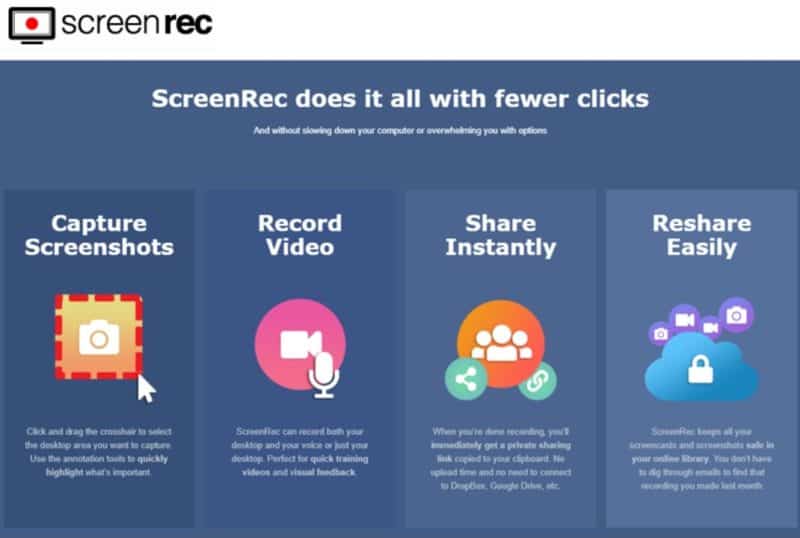
Screenrec.com is a free screen recording and capturing software that helps you record your desktop screen or create annotated screenshots and share them privately.
Use ScreenRec whenever you have to collaborate with designers and developers, create training videos, reply to support tickets, report bugs, assign tasks or… simply show someone your desktop.
It’s 100% free, and it works on Mac, Windows & Linux
Website: https://screenrec.com/
BSR Soft
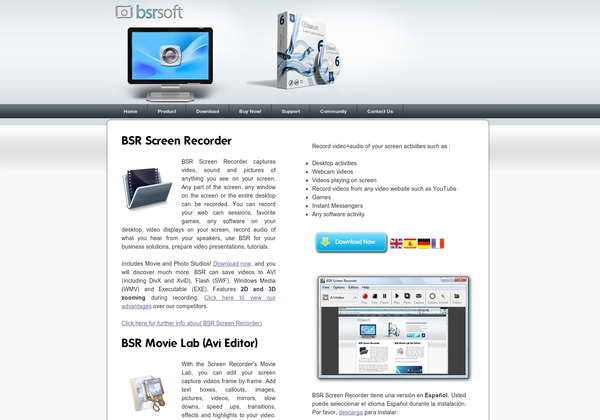
BSR Soft can record sound, pictures, or video of whatever is on your screen. You can restrict the capture to part of your screen or just capture your whole display. You can save videos to many different formats, including WMV, EXE, and AVI.
There is even an editor that lets you add text, callouts, and animations to your video. This can help you create a polished effect. Overall, BSR Soft is a powerful all-in-one screen capture and editing software. This is a great choice for anyone looking for screen-capture software.
Website: Bsrsoft.com
XVidCap
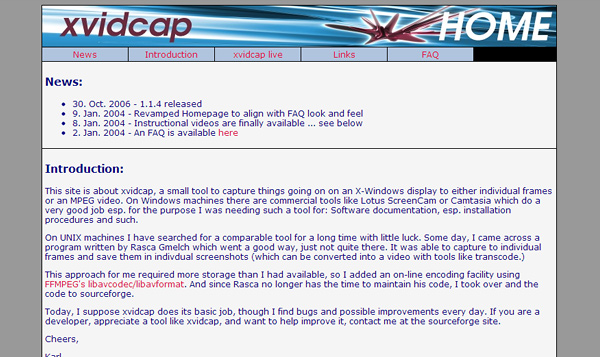
XVidCap is not as robust as BSR Soft. This software can simply be used for capturing frames or video on your screen. You can restrict the area of your screen that is recorded.
You can also record audio. XVidCap is only available to Windows and Linux users, and given it’s limited functionality, it is very lightweight. If you are just looking to do screen capturing without editing, this may be the software for you. This is a good tool for someone looking to do documentation or illustration.
Website: Xvidcap.sourceforge.net
EZVid
EZVid lets you both capture your screen and edit the video. Using EZVid, you can easily create tutorials or product reviews that look professional. You don’t have to be a screen-capturing expert to use the software, because it is easy to use. EZVid has pretty basic features. You can add voice narration and text effects.
This software is not ideal for an advanced video creator. If you want to add complex transitions or callouts, you should find a more advanced screen-capturing software. For the basic user, just trying to get a video made with some light effects, EZVid may be for you.
Website: Ezvid.com
BB FlashBack Express
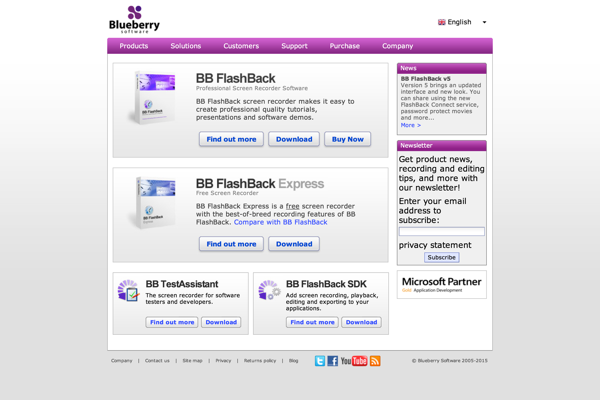
This software is intended for tutorials and demos. You can record the screen and narrate as you record. You can choose to just record a window, the full screen, or just a region of the screen. The interface for recording videos is intuitive.
Once you’re done recording your video, you can review the recording using the review feature. After that, you can export it to an AVI or Flash file or publish it to YouTube. You can also add some effects to your video, like images, text, or sounds.
Website: Bbsoftware.co.uk
Screenr
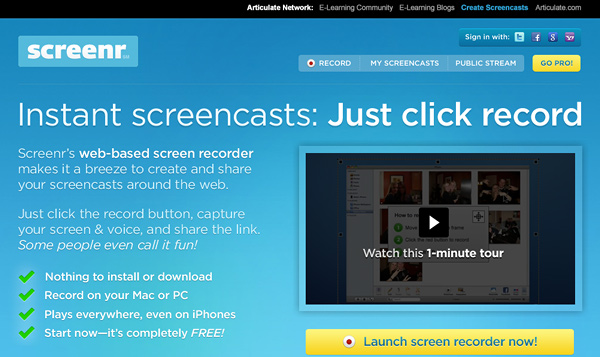
Screenr is a great tool because it allows you to create videos fast. If you’re in a rush, this tool might be the best one for you. You don’t even have to download or install anything. You can use Screenr on both PCs and Macs.
All you do, is click on the record button in the web browser, and you can start right away. You can easily share your videos that you create with Screenr. Another nice feature is that you can view Screenr videos that other users have created. This could give you some inspiration for making your own videos.
Website: Screenr.com
Jing
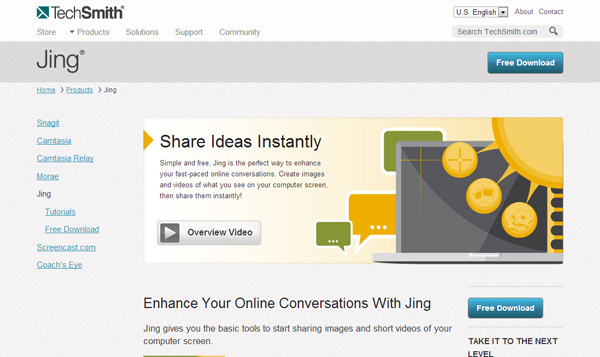
Jing was made by TechSmith, who also made Camtasia. So, you know it’s high quality software. Unlike Camtasia, Jing is free. You can record all of your screen or just part of it. Then, you can share it easily using Jing’s share feature.
Jing is really lightweight. If you’re looking for lightweight software that is also professional-grade, look no further. Jing has a huge support community. So, if you ever have a problem, you can get help easily.
Website: Techsmith.com/jing
Rylstim
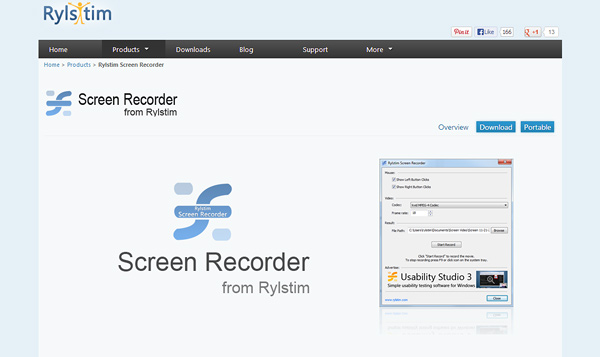
Rylstim’s purpose is simple – it allows users to easily record their screen and export it to an AVI file. If that’s all you’re interested in doing, why get software that has extra features that you aren’t going to use?
Rylstim is often used for usability testing. It could also be a good choice for users wishing to create demos or tutorials. Rylstim doesn’t have all of the frills of other screen-capturing software, but it’s certainly easy to use.
Website: Rylstim.com
CamStudio
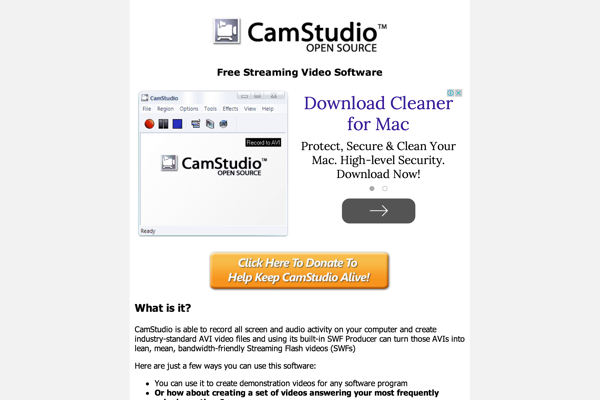
CamStudio is a very popular and powerful screen-capturing software. Some users even prefer it to Camtasia. Unlike Camtasia, CamStudio is free.
CamStudio can add captions to your videos and also record your webcam along with your screen if you would like. Additionally, CamStudio files are smaller than many other screen-capturing software files because of the codec that they use. You can also add effects to your videos.
Website: Camstudio.org
Honorable Mentions
RecordScreen.io – Record your screen right from the browser. No installation required.
Screencastify – Record screencast inside your Chrome tab.
ViewedIt – Record your screen, share & know instantly when people watch.
HYFY – Record your screen & voice. Share instantly.
LICEcap – Record animated GIF screencasts.
It’s easy to make professional screen-captured videos. If you’re looking to make tutorials, demos, product reviews, or video game captures, there’s certainly a free tool for you in the list above.
